LoRaWAN® · Location, Temperature, Light, SOS

SenseCAP T1000Always on the map.

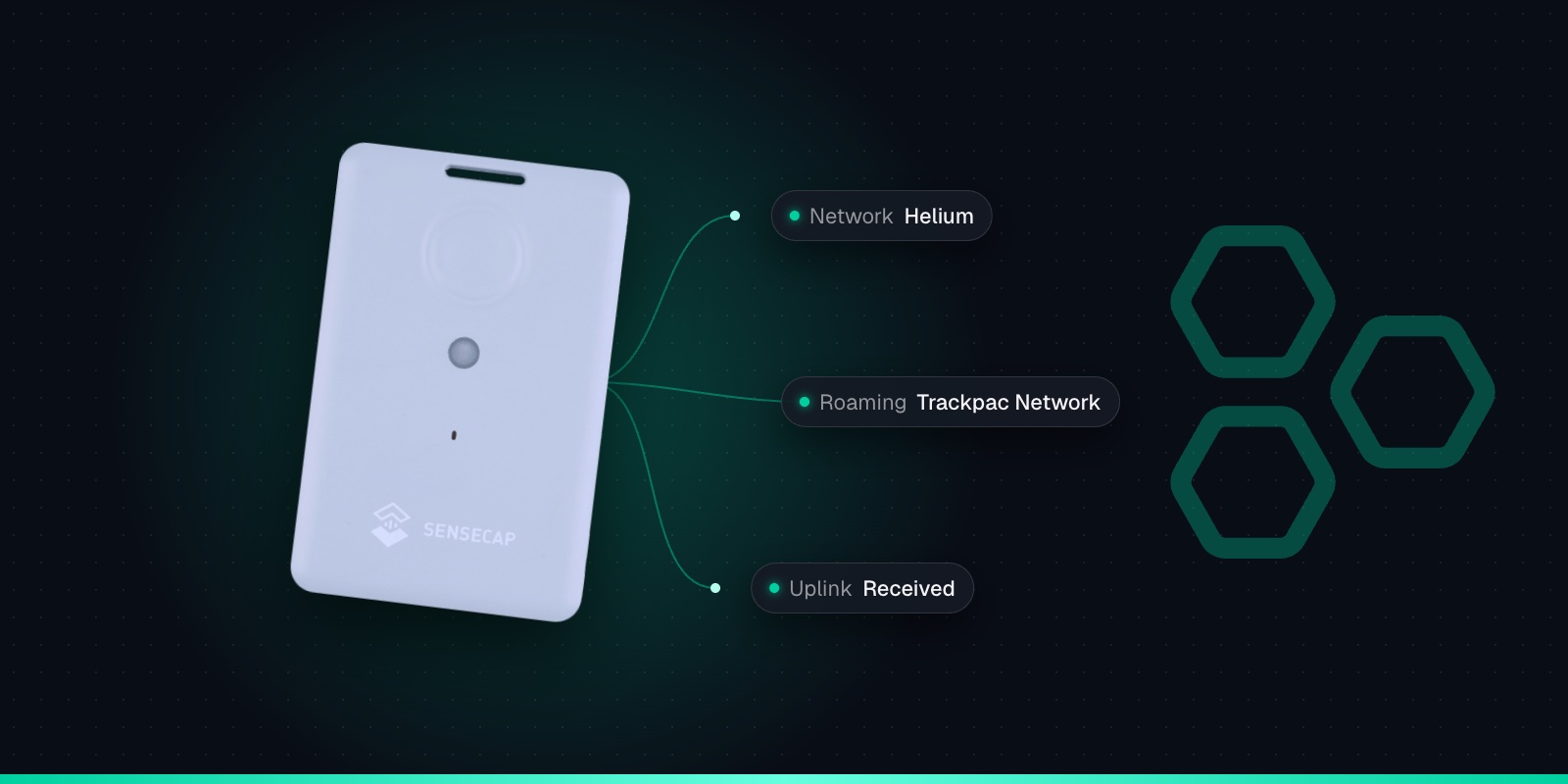
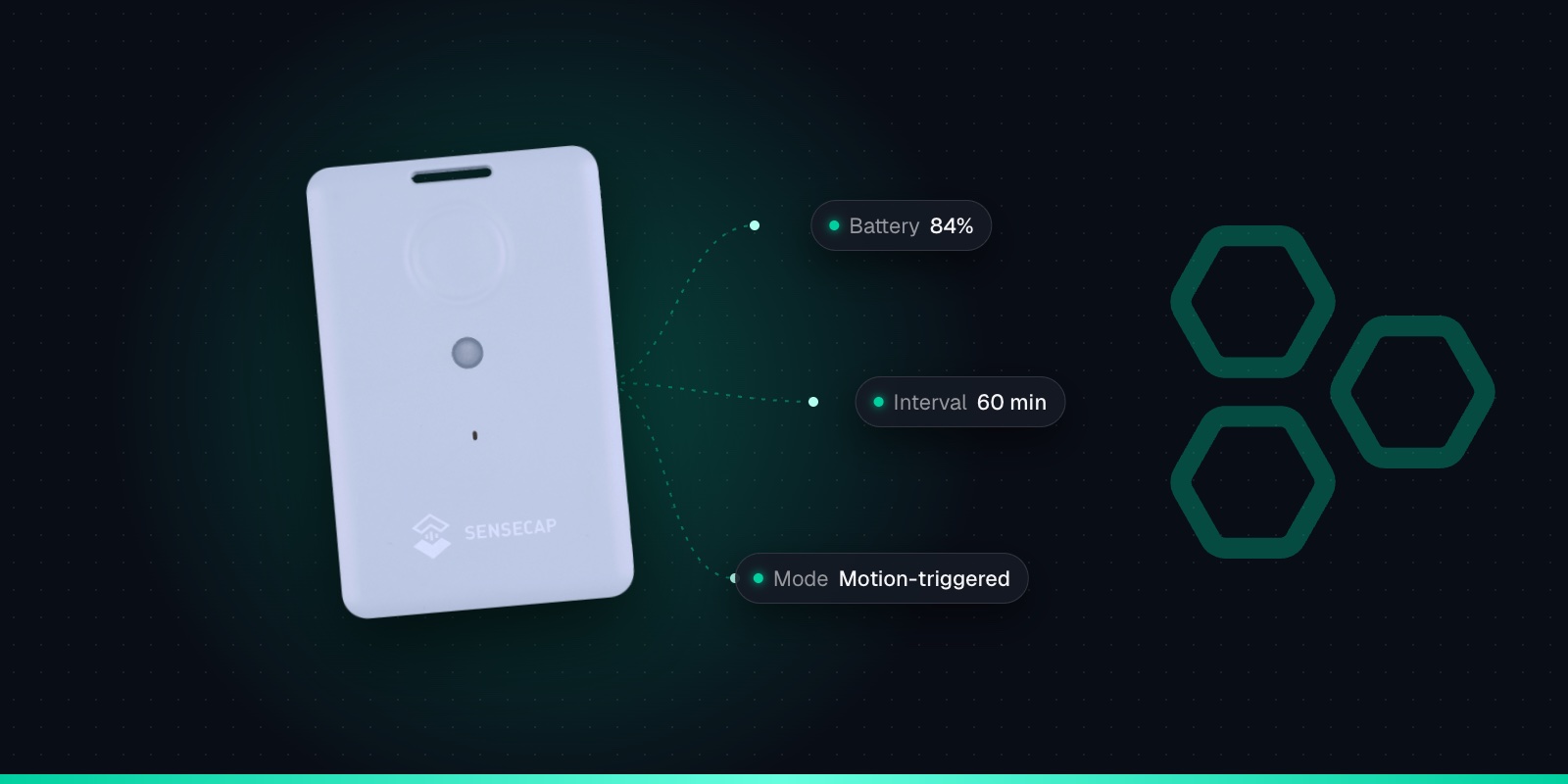
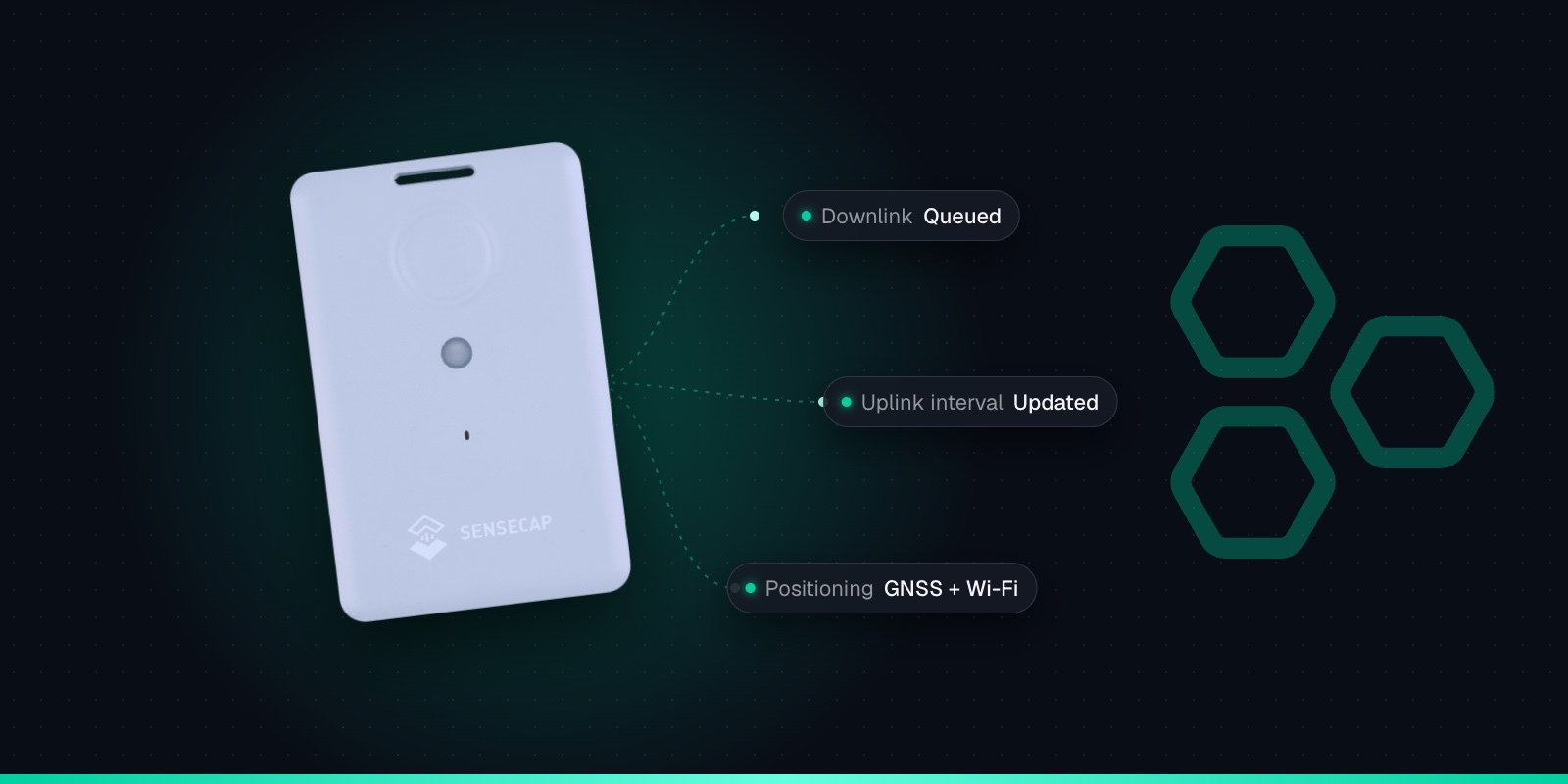
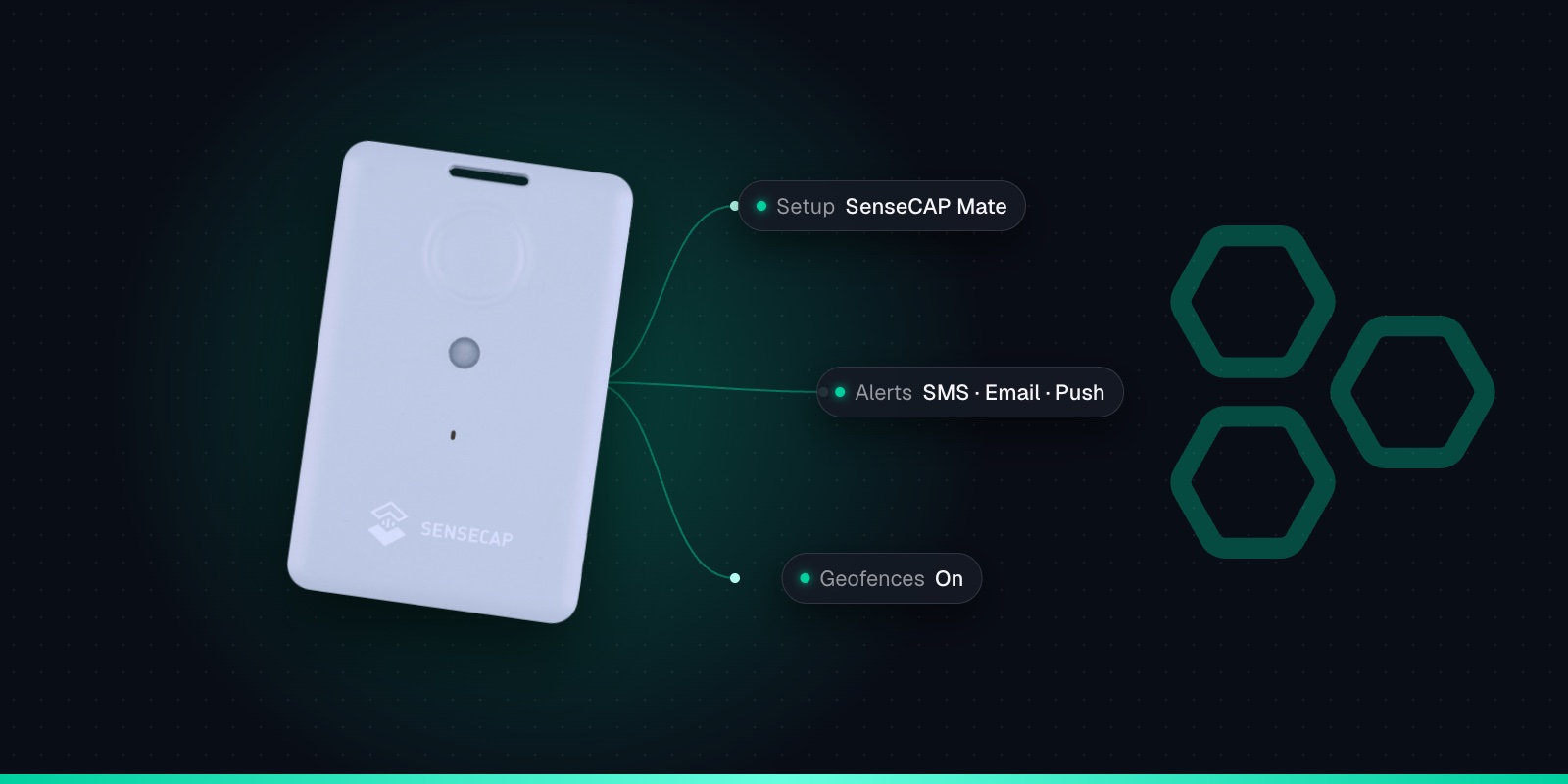
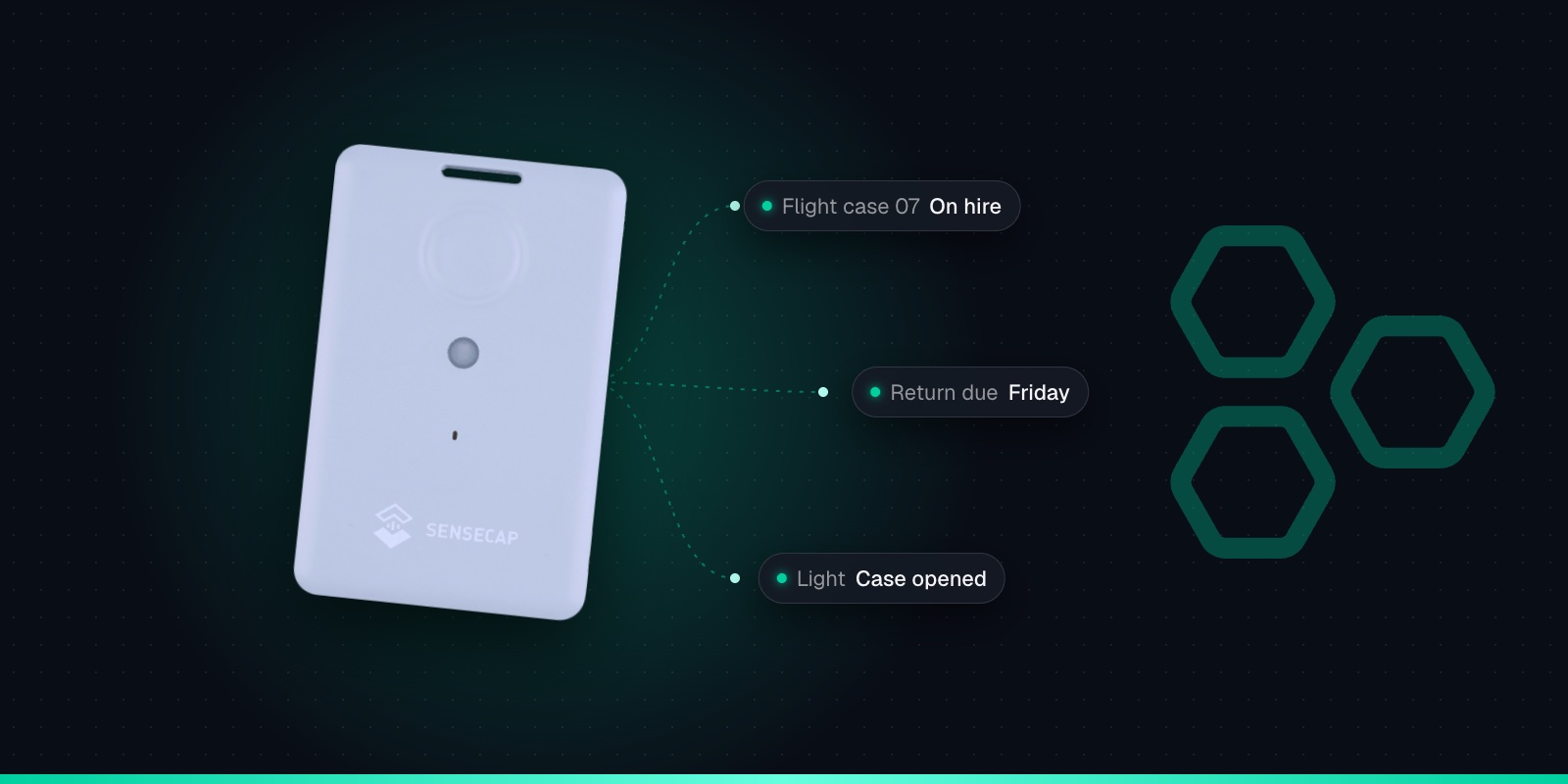
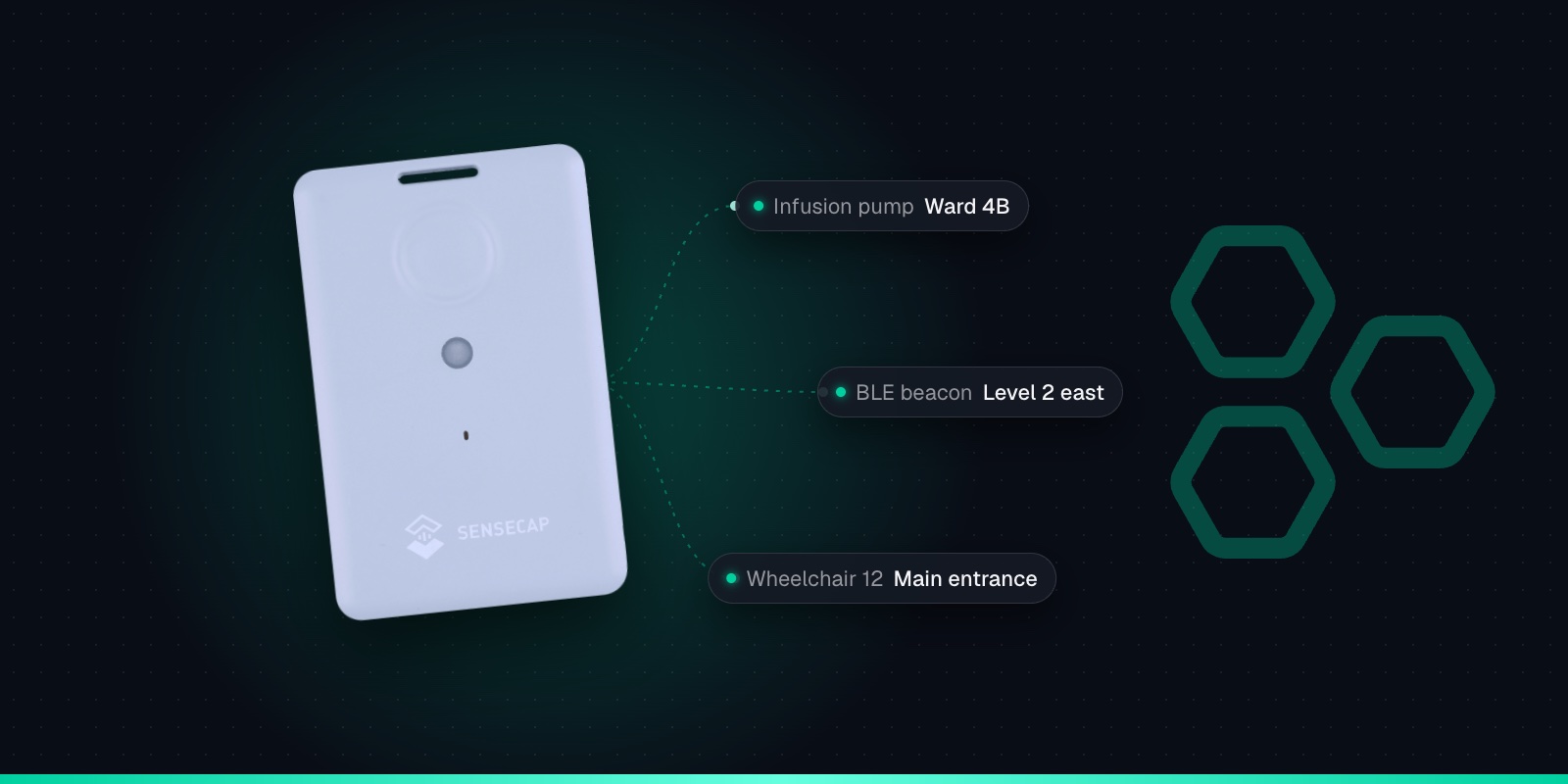
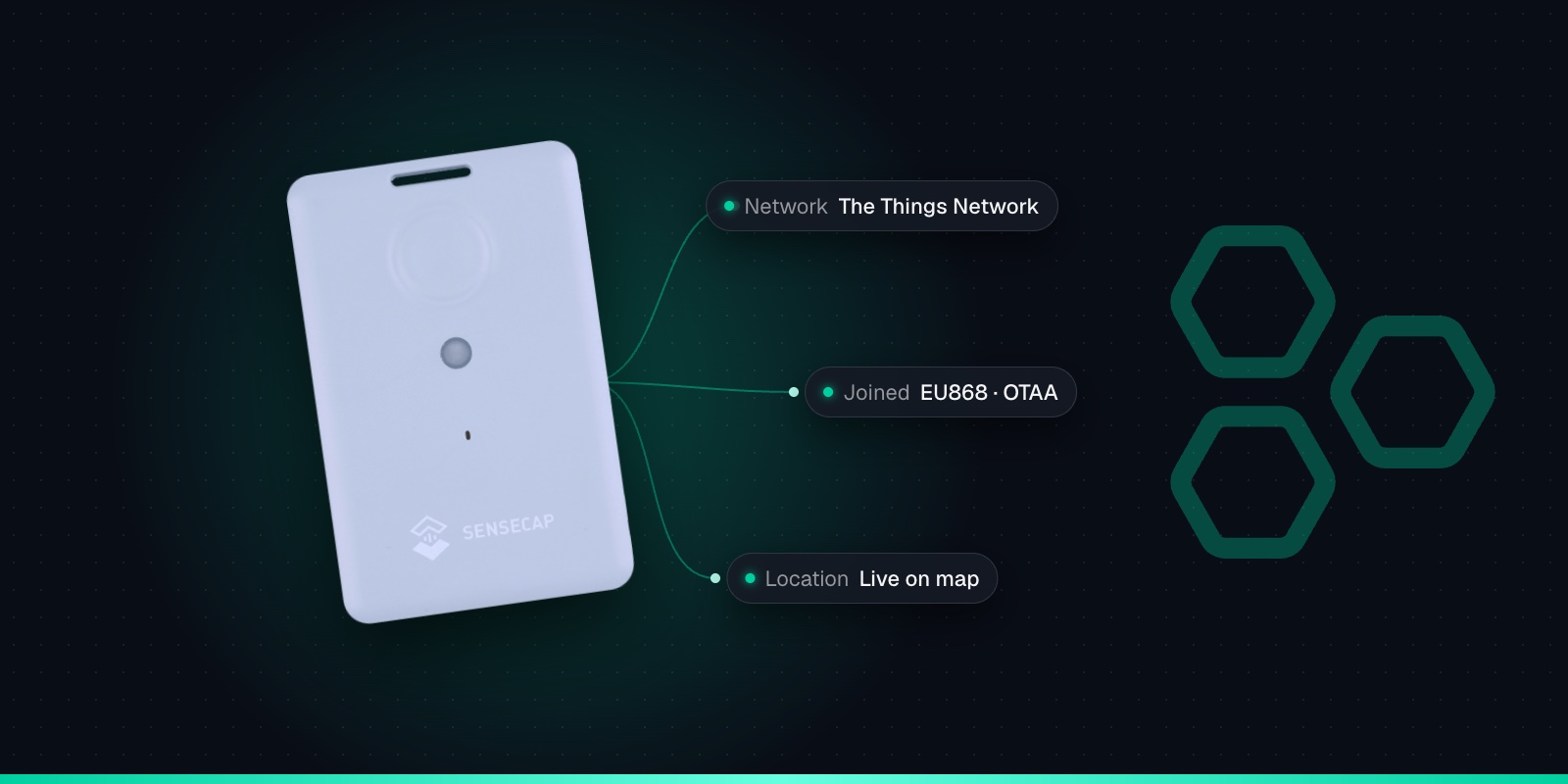
The SenseCAP T1000 is a credit-card sized LoRaWAN® tracker for people and assets, indoors and out. It finds itself with GPS outdoors and with Wi-Fi and Bluetooth scans indoors, has an SOS button and buzzer, and recharges on a magnetic cable. The T1000-A adds temperature, light and motion sensing; the T1000-B is location only. Connect either one to Trackpac for a live map, geofences and alerts.

  • No SIM card needed
  • IP65 Rated
  • UK-based support
SenseCAP T1000
SOS pressed on Tracker 12SOS alert · just now
Pallet 118 arrived at the warehouseGeofence entry · 2 min ago
Excavator 4 is movingOut-of-hours movement
Features

What the T1000 does.

Every reading lands on your Trackpac dashboard, where you can set alerts on any of it and share it with your team.

GPS + Wi-Fi + Bluetooth Location

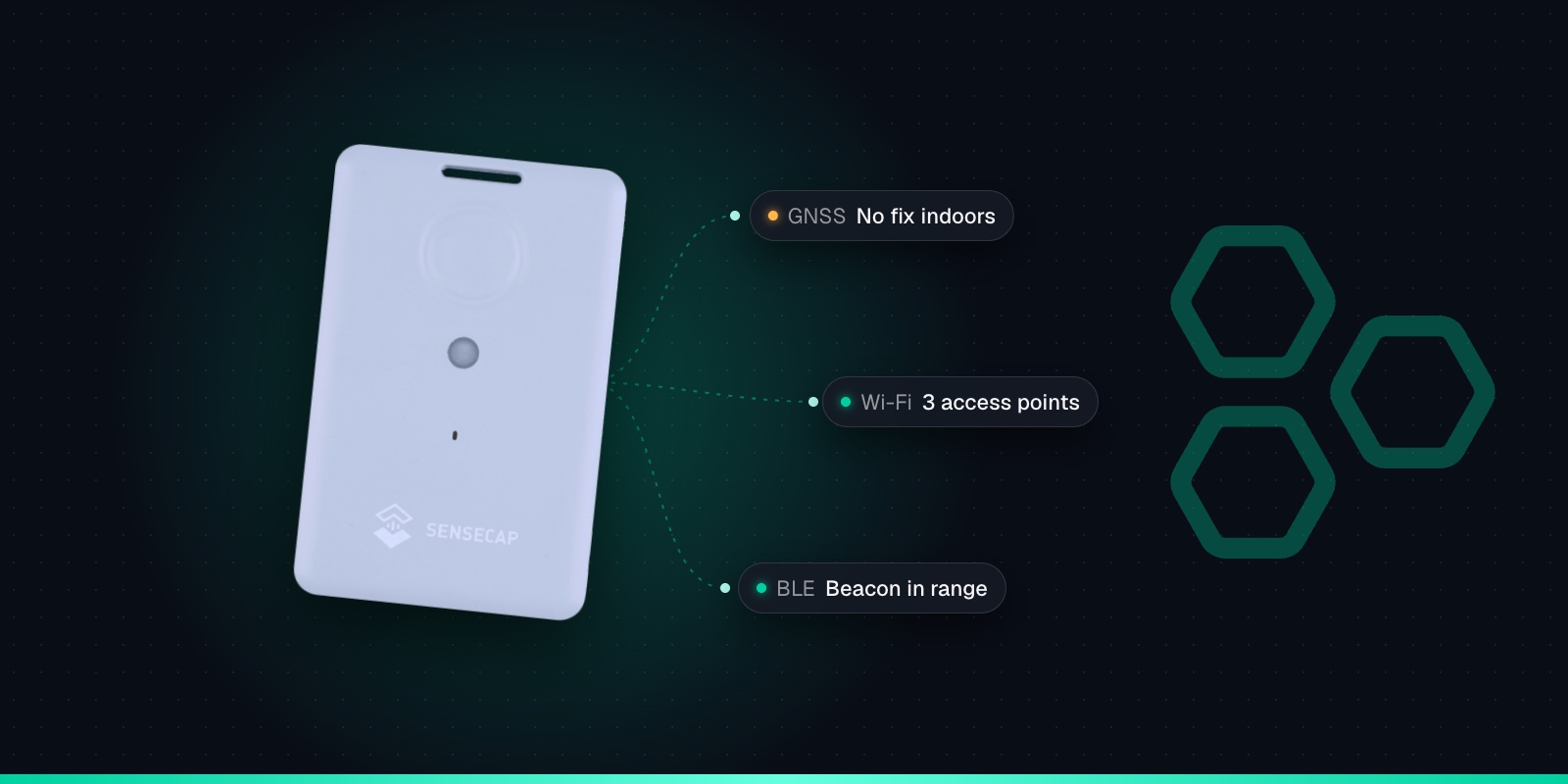
GPS, GLONASS, Galileo, BeiDou and QZSS outdoors, with Wi-Fi and Bluetooth beacon scans for indoor positioning

SOS Button & Buzzer

Double-press for an SOS alert, single press to send a location on demand

Start & Stop Movement Detection

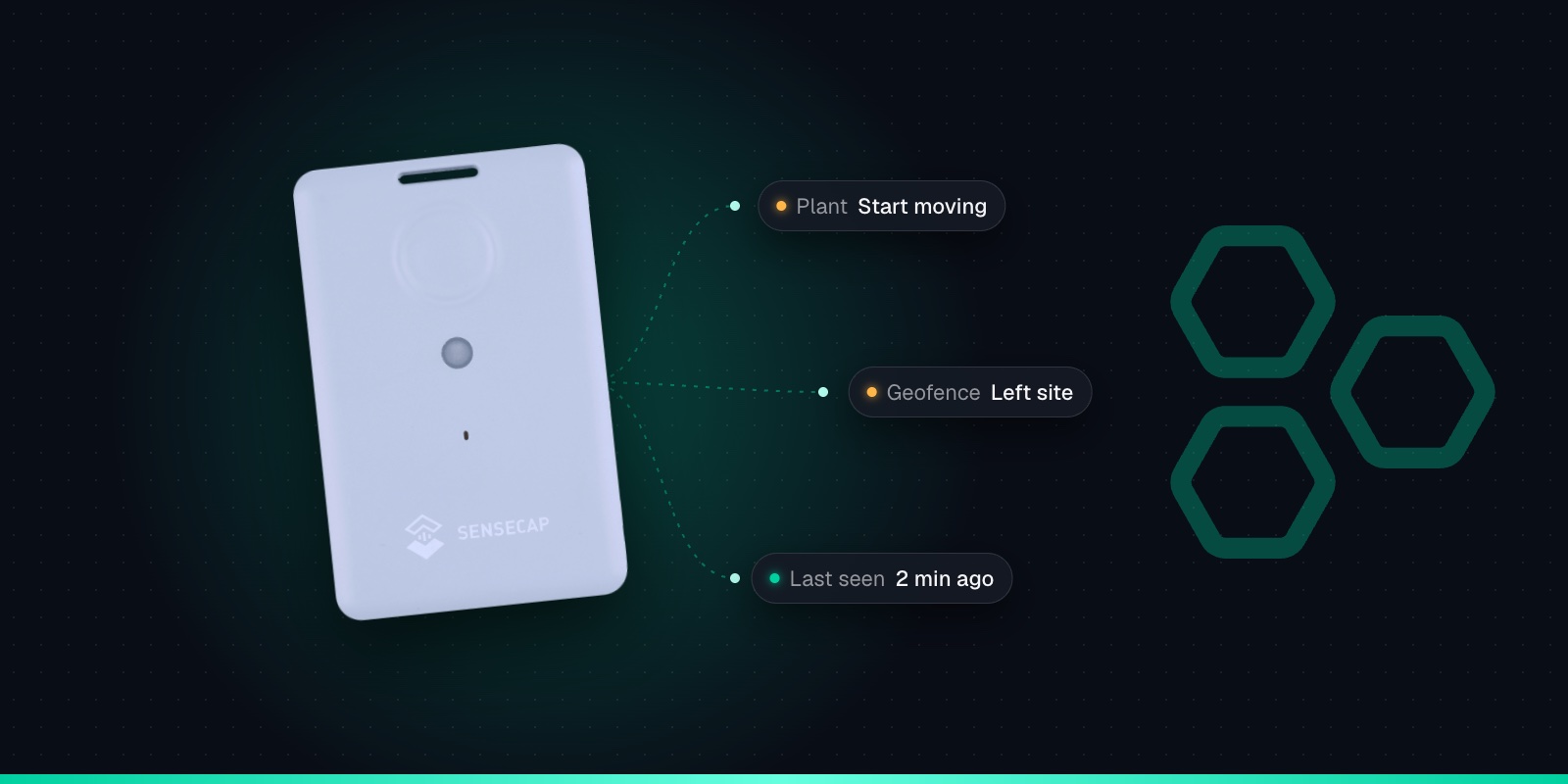
Know when an asset starts moving, stops, or hasn't moved for a set time (T1000-A)

Shock Detection

Detect knocks and drops with the built-in accelerometer (T1000-A)

Temperature & Light

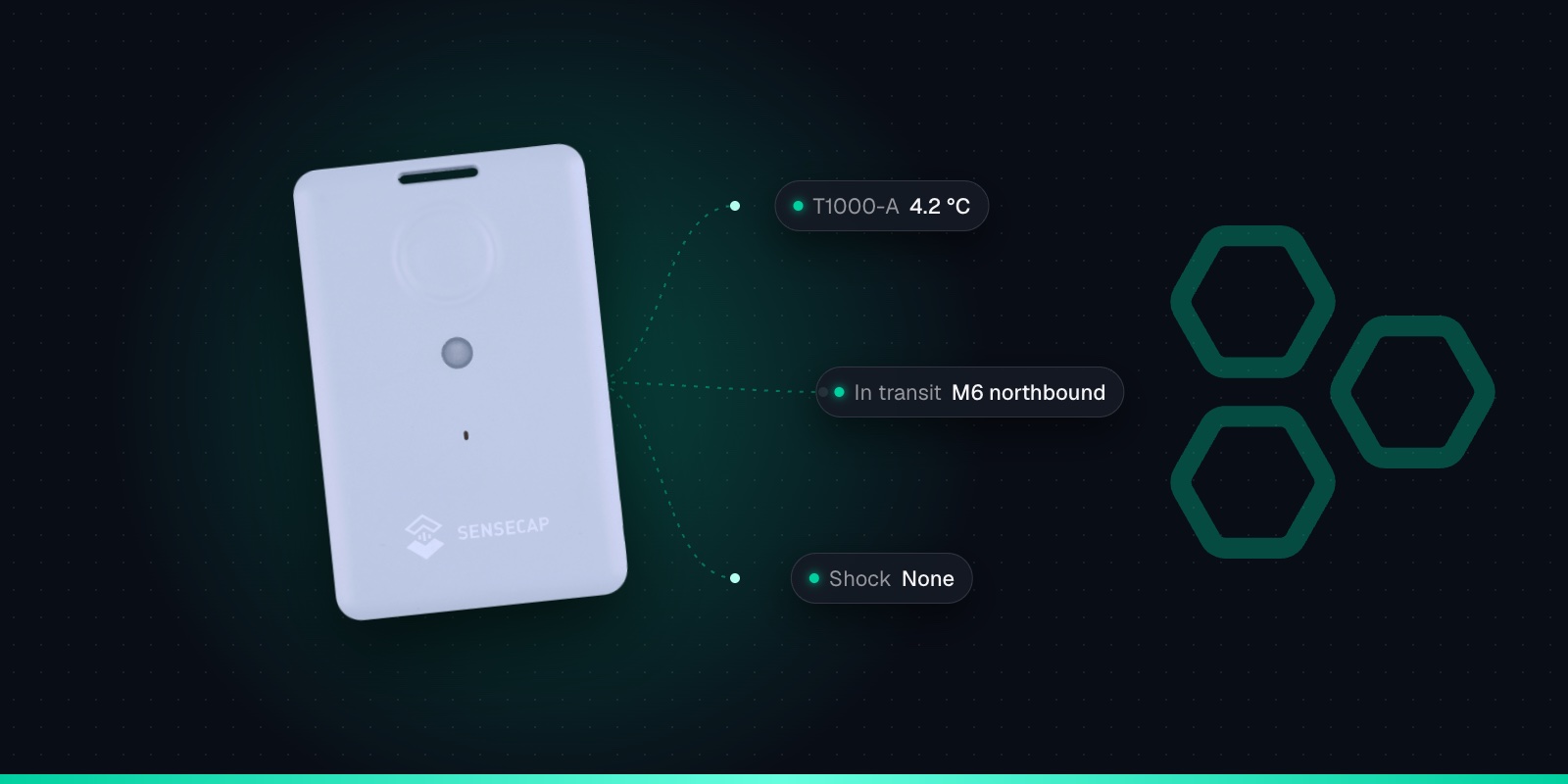
Built-in temperature and light sensors with threshold events (T1000-A)

Offline Data Cache

Optionally stores up to 1,000 fixes when out of coverage and sends them when it reconnects

IP65 Rated

Dust-tight and protected against water jets, from -20 to +60°C

Rechargeable Battery

700mAh battery lasts about 3.5 months at hourly GPS updates, longer with fewer updates

Helium Compatible

Works on the Trackpac network, which roams onto the Helium Network

See it in action

See the T1000 in action.

Choose your model

T1000-A vs T1000-B vs T1000-E

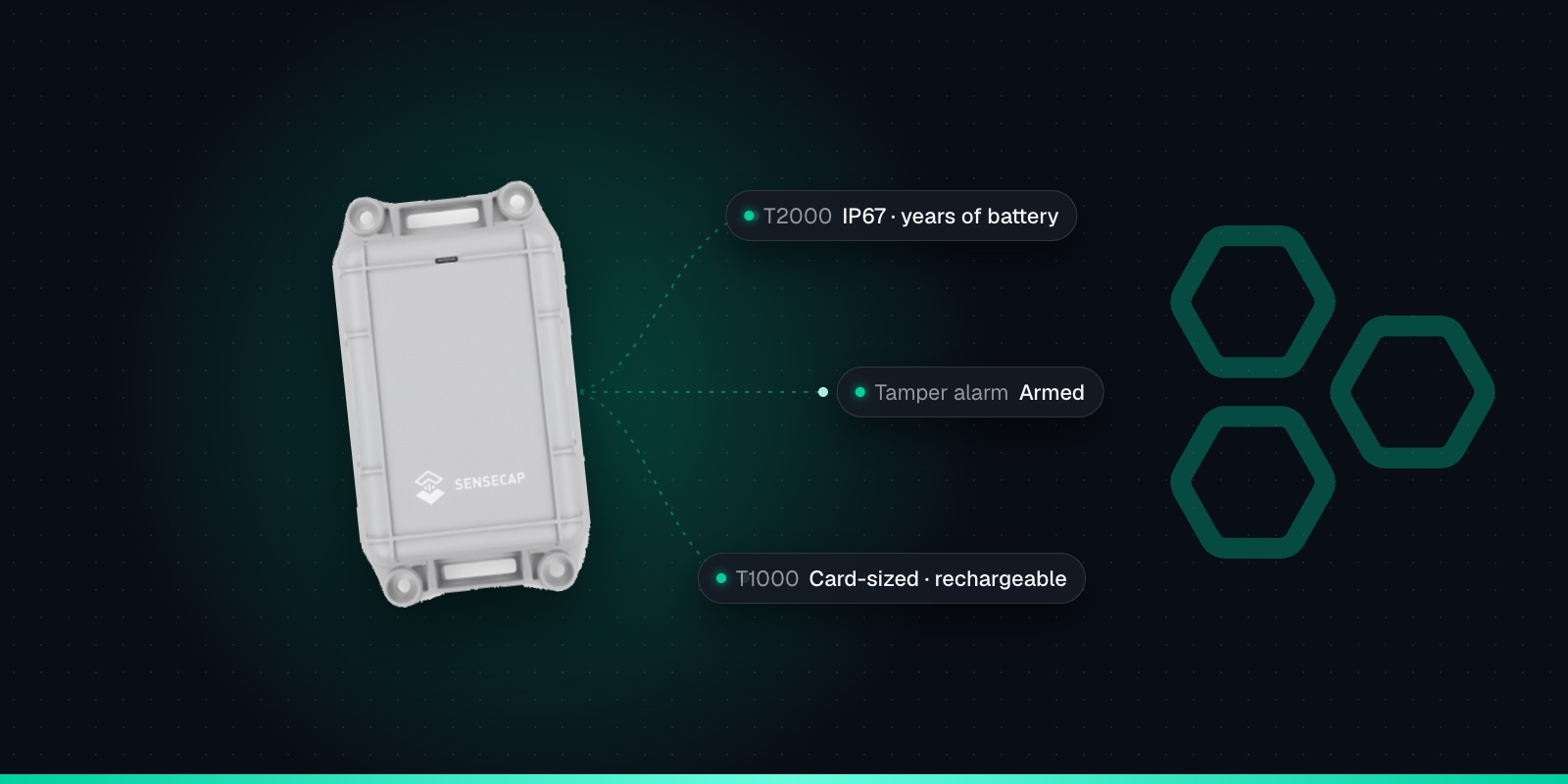
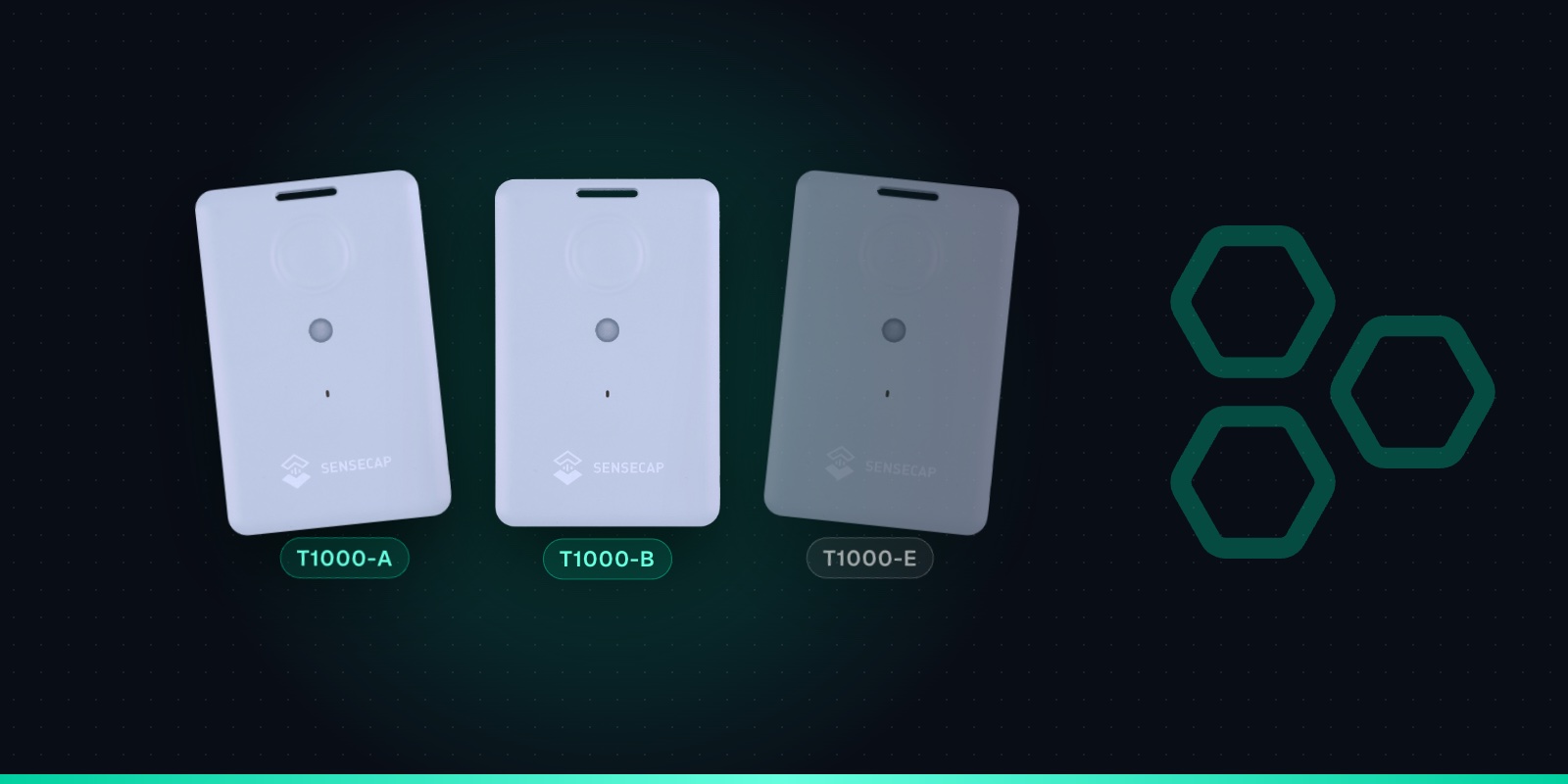
The T1000 trackers look identical, so check the model before you buy. Trackpac works with the LoRaWAN T1000-A and T1000-B.

T1000-A

Works with Trackpac

The full version, and the one to pick if you want alerts for anything other than location.

  • GPS, Wi-Fi and Bluetooth positioning
  • Temperature and light sensors
  • 3-axis accelerometer for movement, motionless and shock events
  • SOS button, buzzer and LED

T1000-B

Works with Trackpac

The same tracker without the sensors, for lower-cost location tracking.

  • GPS, Wi-Fi and Bluetooth positioning
  • SOS button, buzzer and LED
  • No temperature, light or accelerometer
  • Geofences still alert when it enters or leaves an area

T1000-E

Not LoRaWAN

A different product sold in two versions. The popular one is built for Meshtastic, not standard LoRaWAN tracking.

  • Meshtastic version runs off-grid mesh messaging firmware
  • A separate T1000-E for LoRaWAN version also exists
  • Seeed warns against flashing one with the other's firmware
  • Uses a 4-pin charging cable, not the A/B's 2-pin
Have T1000-E for LoRaWAN units? Get in touch and we'll tell you what's possible. Contact us

Specifications

SenseCAP T1000 specifications

Specifications from Seeed's SenseCAP T1000-A/B User Guide V1.3 and battery FAQ.

Download the datasheet
Size & weight85 × 55 × 6.5mm, 32g
PositioningGNSS (GPS, GLONASS, Galileo, BeiDou, QZSS), Wi-Fi scan (4 access points), Bluetooth beacon scan (3 strongest)
SensorsT1000-A: temperature (-20 to 60°C, ±1°C), light, 3-axis accelerometer. T1000-B: none
BatteryRechargeable 700mAh lithium
Battery lifeAbout 106 days at hourly GPS updates on EU868 (Seeed's headline figure is 4 months); about 209 days at one update a day
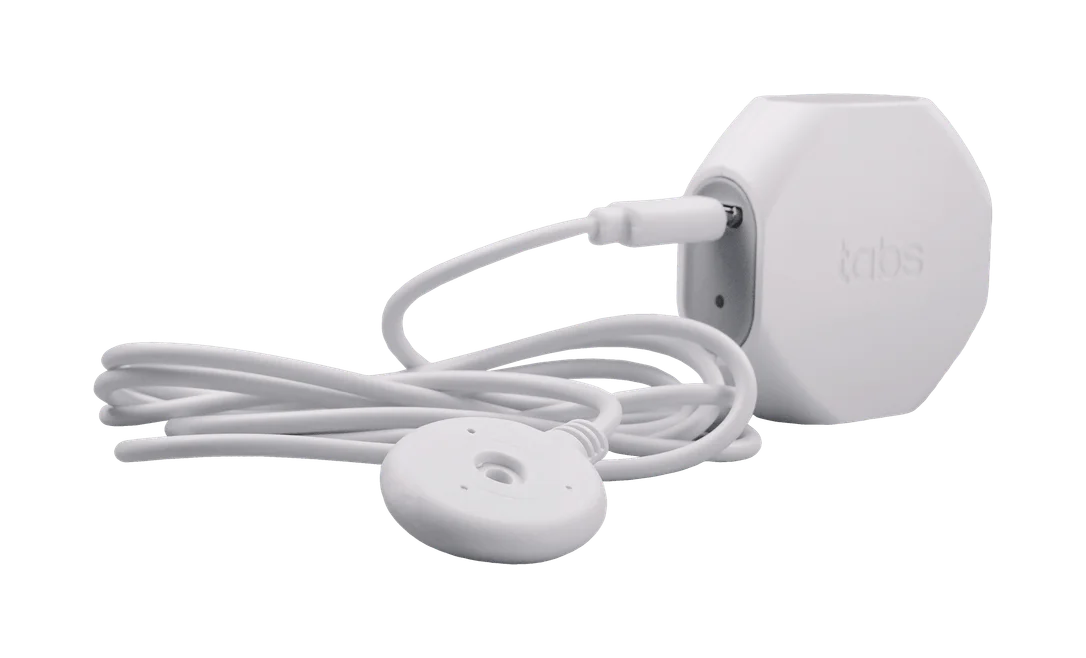
ChargingMagnetic 2-pin USB cable, about 2 hours to full, 0 to 45°C
ProtectionIP65, operating from -20 to +60°C
LoRaWANv1.0.4, Class A, OTAA. One SKU covers EU868, US915, AU915, AS923, KR920 and IN865
Data cacheUp to 1,000 records (off by default)
Controls1 button, buzzer and LED
ConfigurationSenseCraft app (formerly SenseCAP Mate) over Bluetooth

How to connect it

Connect your SenseCAP T1000 to Trackpac

No network server or console to set up: Trackpac's network roams onto Helium, so the T1000 joins wherever there's coverage. Ordered from Hexaspot with Pre-onboard to Trackpac? Charge it, scan its QR code in the Trackpac app and skip to step 5.

  1. 1

    Charge it and switch it on

    Charge it on the magnetic cable, then hold the button for 3 seconds. A rising tune plays and the LED flashes while it waits for Bluetooth.

  2. 2

    Open the SenseCraft app

    Scan the tracker's QR code in Seeed's SenseCraft app (formerly SenseCAP Mate) and set the frequency plan for your region: EU868 in the UK and Europe.

  3. 3

    Choose Other Platform and copy the keys

    Set Platform to "Other Platform" and the APP EUI to 545241434B504143, as Seeed's Trackpac guide recommends. Copy the Device EUI, APP EUI and APP Key, then tap Send.

  4. 4

    Add it in Trackpac

    Go to Devices, tap +, choose "Enter Keys Manually", paste the keys and pick SenseCAP T1000 as the device type.

  5. 5

    Get its first fix outdoors

    Take it outside for its first GPS fix so it can set its clock from the satellites. Then add geofences and alerts.

Use cases & guides

What people use the T1000 for.

Step-by-step guides to putting the SenseCAP T1000 to work with Trackpac.

Where to buy

Get your SenseCAP T1000.

Buy the hardware, then add it to Trackpac for £20 per year.

Hexaspot

Netherlands

Buy from Hexaspot

Simple pricing

£20

per tracker, per year. No SIM fees, no hidden fees.

See full pricing
  • 3 years of data storage
  • Full API access
  • Unlimited team members
  • UK-based support
  • Volume discounts for large deployments
  • Multi-year contract options
Helium Network

Coverage

Global coverage, out of the box.

Trackpac runs its own LoRaWAN® network and roams on the Helium Network, so there's already coverage across much of the globe. Your sensors can connect as soon as they're switched on, with no network to build.

Need guaranteed coverage deep indoors or on a remote site? Add a gateway: our LoRaWAN® consultancy team can plan placement, and we can supply and manage the gateways for you.

  • Our own LoRaWAN® network
  • Roaming on the Helium Network
  • Private gateways where you need them
The Earth at night from orbit

FAQ

SenseCAP T1000 FAQs

Setup, coverage, battery life and pricing for the T1000 on Trackpac.

Does the SenseCAP T1000 work with Trackpac?

Yes. The T1000-A and T1000-B both work with Trackpac. Set the tracker to "Other Platform" in the SenseCraft app, copy its keys and add it in Trackpac with "Enter Keys Manually". Trackpac decodes its location, SOS, button, movement, shock, temperature, light and battery data, and you can set alerts on any of them.

What is the difference between the T1000-A and T1000-B?

The T1000-A has temperature and light sensors and a 3-axis accelerometer; the T1000-B has none of them. Both have GPS, Wi-Fi and Bluetooth positioning and the SOS button. Choose the A if you want start-moving, motionless, shock, temperature or light alerts, and the B if you only need location.

Can I use the T1000-E with Trackpac?

The T1000-E is sold in two versions. The Meshtastic version runs mesh messaging firmware rather than standard LoRaWAN, so it can't be used as a LoRaWAN tracker on Trackpac, and Seeed warns against flashing it with other firmware. If you have the T1000-E for LoRaWAN, get in touch.

How long does the T1000 battery last?

Seeed's figures for hourly GPS updates on EU868 are about 106 days, with a headline claim of 4 months. At one update a day it's about 209 days, and at every 5 minutes about 27 days. GPS fixes use far more power than Wi-Fi scans, and event mode and shorter intervals shorten battery life. It recharges in about 2 hours.

Does the T1000 work indoors?

GPS needs a view of the sky, so indoors the T1000 relies on Wi-Fi or Bluetooth beacon scans. It sends the access points it can see, and Trackpac's location engine turns them into a position. Set the positioning strategy to include Wi-Fi in the SenseCraft app, and make sure there's LoRaWAN coverage inside the building.

Do I need my own LoRaWAN gateway?

Not if there's coverage where your trackers go. The Trackpac network roams onto the Helium network and other public LoRaWAN networks. For guaranteed coverage indoors or on remote sites, add your own gateway; our LoRaWAN consultancy team can help you plan it.

How much does it cost to track a T1000 with Trackpac?

£20 (€24) per tracker per year, covering connectivity, the dashboard, alerts and data storage, with no setup fee. You buy the T1000-A itself from Hexaspot, our sister company in the Connect IoT group, for €40.50 ex VAT; choose Pre-onboard to Trackpac and it arrives ready to scan.

Still have questions?

Contact our support team
Free 30-min Consultation

See the T1000 working on Trackpac.

Book a free 30-minute demo. We'll show you how the SenseCAP T1000 works on Trackpac, the alerts you can set and what it would cost.

  • Platform walkthrough
  • Custom use case review
  • Pricing discussion
Schedule Your Demo

30 minutesNo commitmentPick any time